

Lucky Hills Casino App Download for Android and iPhone Players
If you are searching for a Lucky Hills Casino App Download, the first thing to know is that mobile access is usually about convenience, not complexity. Many players want a faster way to open the lobby, switch between games, and keep sessions moving smoothly on a phone. This page explains how the Lucky Hills Casino App concept works for Android and iPhone users, and what to check before you install anything.
The terms Lucky Hills App and Luckyhills App Download are often used interchangeably in search, so it helps to slow down and verify the source before tapping install. Here, you will find a practical overview of download steps, mobile features, compatibility checks, and the reasons some players prefer a dedicated app while others stay with the browser version. The goal is simple: give you a clear picture of the mobile experience without the hype.
How to Download the Lucky Hills Casino App

The quickest way to approach a Lucky Hills App Download is to start with the official mobile source instead of a third-party file host. On phones, the safest path is usually an app store listing or a mobile browser option that leads you into the same account area. If you see the wording Luckyhills Casino App Download online, treat it as a search phrase first and a download source second. The important part is confirming that the installer or mobile page matches the brand you intended to use.
A clean download process should feel ordinary, not risky. If a native app is available in your region, the installation should look familiar to anyone who has installed a regular mobile app before. If not, the site may simply guide you to a browser-based mobile version, which still gives you access on Android and iPhone. Either way, the main job is to verify the source and avoid unofficial copies.
Where should you look before you install anything?
Start with the official mobile route associated with Lucky Hills Casino App searches, because random APK files and cloned store pages can be hard to judge at a glance. A genuine listing usually keeps the branding consistent, uses clear screenshots, and explains what the app actually does. If the page asks you to sideload software, pause and confirm that your device settings and source are appropriate. That extra check matters more than the speed of the download.
For iPhone users, the search for Lucky Hills App often leads to an App Store-style process if a native version is available. Android users may see a store listing, a web prompt, or instructions for installing from a verified package. In both cases, the safest move is to compare the app name, publisher details, and permissions before going any further. The more polished the source, the less likely you are to run into avoidable problems.
What if no native app appears in your region?
That is common, and it does not mean you have reached a dead end with Luckyhills App access. Many gaming brands rely on mobile web pages instead of separate app builds, especially when the browser version already performs well. In that case, your phone still handles the lobby, game loading, account actions, and cashier pages in a compact format. For many players, that is enough to replace a dedicated install.
If you were expecting a direct Luckyhills Casino App Download, the browser fallback may actually be the better experience on an older phone. You avoid storage use, you skip app updates, and you can still open the site from your home screen like a shortcut. The only real difference is that you are playing through the browser rather than a standalone app shell. Functionally, that can be a very small trade-off.
Before you commit to a download, follow these practical steps in order. They keep the process simple and reduce the chance of installing the wrong file for your Lucky Hills App Download search.
- Check whether the official mobile source offers an app or only a browser version for your device.
- Compare the publisher name and branding with the site you meant to use.
- Review the install permissions so you know what the app is asking for.
- Make sure your phone has enough free storage and a current operating system.
- Open the app or mobile site and confirm that the lobby loads normally before you deposit or play.
If any step looks unclear, stop and re-check the source rather than rushing through it. That habit is the easiest way to keep a Lucky Hills Casino App Download search safe and tidy.
Lucky Hills Casino App Features for Mobile Play
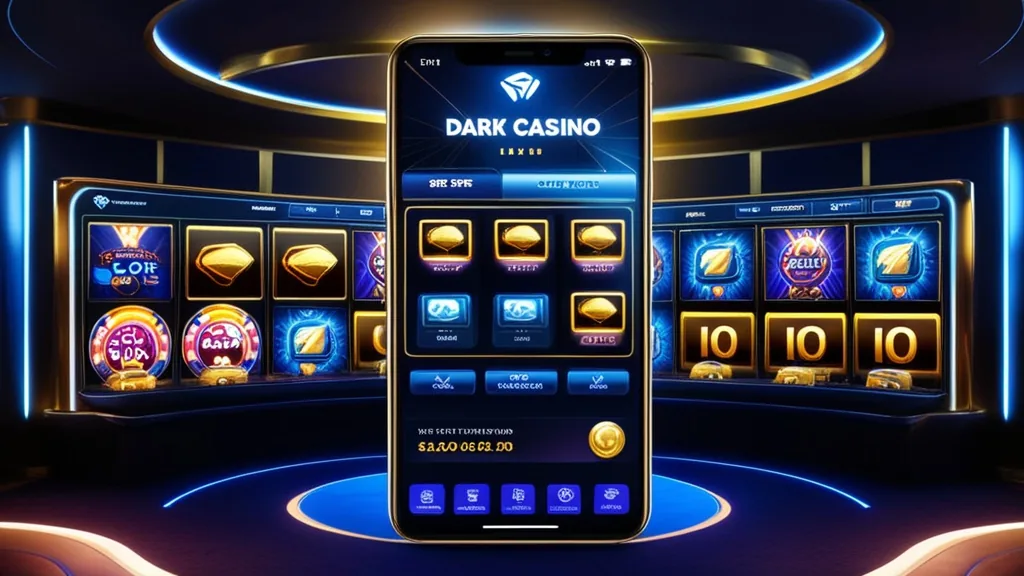
A good mobile gaming app usually feels lighter than the desktop version, and that is exactly what players notice first in a Lucky Hills Casino App. Buttons are larger, menus are shorter, and the lobby is easier to scan with one hand. The same design logic also matters if you are using Lucky Hills App Download as a search term, because the real point is smoother play on a smaller screen.
Mobile features are most useful when they reduce friction. The best Lucky Hills App experience should help you move from login to gameplay without hunting through menus, while still keeping account tools close at hand. If the site only offers a browser version, many of the same convenience features can still appear there, just arranged a little differently.
Which mobile features matter most in everyday play?
The first feature most players notice in Luckyhills App style mobile play is the lobby layout. A compact menu, a visible search bar, and clear game categories make a big difference when you are on a small screen. If the app also saves your recent games, favourite titles, or login session, that saves time every time you return. Small conveniences often matter more than flashy design.
A useful Lucky Hills Casino App Download experience should also make cash-out tools and account pages easy to find. Players do not want to dig through five screens just to check balance history or switch a payment method. On mobile, the best apps keep those actions close to the home screen. That way, the app feels practical instead of decorative.
How does the interface change on a phone?
Phone layouts usually simplify the lobby, and that is a positive thing for Lucky Hills App Download searches that end in a mobile install. Text is shorter, tiles are larger, and the screen often shows fewer items at once. This makes the interface easier to read, especially when you are moving between games quickly. It also reduces accidental taps, which is helpful in a busy casino lobby.
For Luckyhills Casino App Download users, the mobile interface should feel responsive even when the screen is busy with animations. A clean mobile build keeps the main actions visible without turning the page into a wall of icons. If the app includes gesture-friendly menus or a bottom navigation bar, it usually feels faster on iPhone and Android alike. The design should help you play, not make you relearn the site.
When you are judging mobile features, these are the practical things worth checking first in the Lucky Hills Casino App experience.
- Clear lobby categories and a search tool that actually helps you find games fast.
- A stable login area with visible account, balance, and cashier options.
- Responsive menus that work well on both portrait and landscape screens.
- Quick access to favourites, recent games, or saved preferences.
- Smooth loading and fewer taps between browsing and playing.
If those five items work well, the mobile experience usually feels polished enough for daily use. That is often more important than whether the page labels itself as the Lucky Hills App or simply a mobile site.
Luckyhills Casino App Compatibility and Mobile Device Requirements
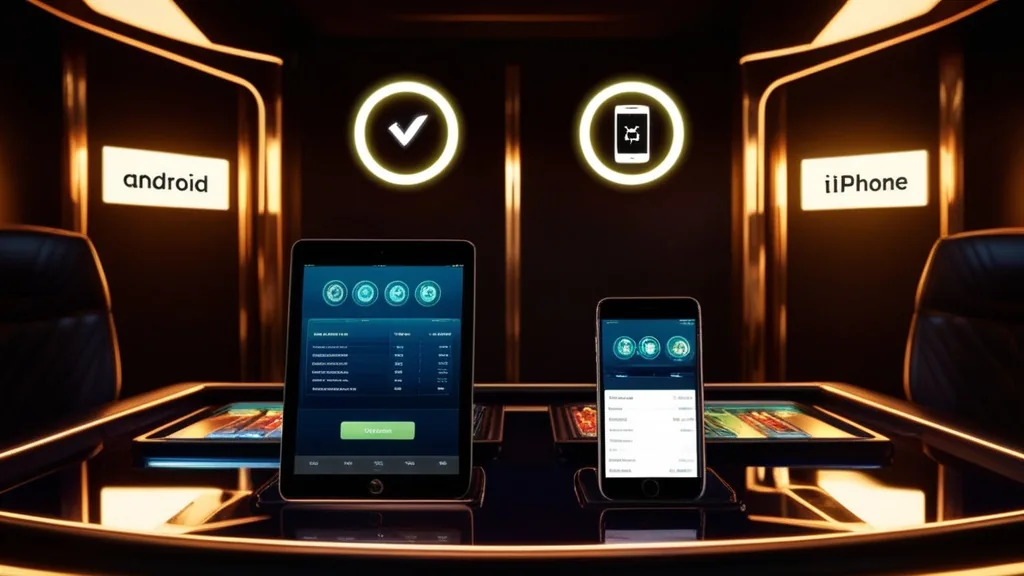
Compatibility is usually the first thing to check because a smooth Luckyhills Casino App experience depends on the device, not just the brand name. Older phones can struggle with modern graphics, while newer devices often handle the same game lobby with very little effort. If your search starts with Lucky Hills App, the real question is whether your phone can run it comfortably and securely.
Most mobile issues come from outdated software, low storage, or a browser that is too old for modern gaming pages. That is why a careful Lucky Hills Casino App Download check should include your operating system, available memory, and connection quality. The goal is not to chase the newest hardware; it is to make sure the app or mobile site behaves as expected on the phone you already use.
What device and software setup is most likely to work?
A recent Android or iPhone device is usually the easiest starting point for Luckyhills App Download use. Updated operating systems tend to support current security standards, smoother page rendering, and fewer installation errors. A modern browser can also make a browser-based version feel surprisingly close to a native app. That is why newer software matters as much as newer hardware.
If you are comparing a phone and a tablet for Luckyhills Casino App Download access, the bigger screen can help with game browsing and account navigation. Still, a tablet only helps if the operating system is current and the device has enough storage for updates and cache files. In practice, a well-maintained phone often beats an outdated tablet. Compatibility is about maintenance as much as screen size.
| Device type | What to have ready | What it means for play |
|---|---|---|
| Android phone | Recent Android version, enough free storage, stable connection | Usually the smoothest option for installing or opening a mobile casino app |
| iPhone | Recent iOS version, App Store access, stable Wi-Fi or mobile data | Works well if a native app is offered or if the browser version is optimized |
| Tablet | Updated software, larger screen, enough battery life | Good for browsing lobbies and reading game details comfortably |
| Browser-only device | Modern Safari, Chrome, or another current browser | A practical fallback when no dedicated app is available in your region |
Why Choose the Lucky Hills App for Play

The main reason players look for a Lucky Hills App is speed: fewer taps, faster loading, and a cleaner route to the games they already like. On a phone, convenience becomes more noticeable because every extra menu feels longer than it does on a desktop. A well-built Lucky Hills App Download option can make the whole session feel more focused. That is especially true if you play in short bursts during the day.
There is also a comfort factor. A mobile-first layout can make the lobby easier to scan, the controls easier to tap, and the account tools easier to revisit later. For some players, the search term Luckyhills App is simply a shorthand for wanting a smoother mobile routine. Whether that ends in an app install or a browser shortcut, the value comes from how little friction remains between you and the game.
When does an app feel better than the browser?
An app often feels better when you return to the same games repeatedly, because Luckyhills App Download access can shorten the path from opening the phone to entering the lobby. Saved login details, push-style prompts, and a cleaner home screen can all make a difference. If the mobile browser on your phone feels crowded or slow, a dedicated app may feel more immediate. The improvement is usually about convenience, not magic.
A dedicated Lucky Hills Casino App can also be useful when you want a more app-like routine for quick sessions. That includes faster navigation, a familiar menu structure, and fewer distractions from other browser tabs. For players who value consistency, the app format is easy to understand and easy to repeat. It turns a gaming session into a smaller, more contained experience.
When is the browser actually the smarter option?
Sometimes the browser wins, especially if your phone is short on storage or you only play occasionally. In that case, Lucky Hills App Download may not be necessary at all, because the mobile site can deliver the same core access without taking up space. The browser version also avoids app updates, which some people find refreshing. It is the lighter option when you want convenience without installing more software.
For users comparing Lucky Hills Casino App access with a mobile site, the deciding factor is often how much friction you want to remove. If you prefer not to manage updates or permissions, the browser keeps things simple. If you like one-tap access and a dedicated interface, the app may feel better. Neither option is automatically superior; the right choice depends on how often you play and how your phone handles modern pages.